Smart Printer Diagnostics & Device Insights
Windriver 11 helps users review printer compatibility, analyze device information, and understand system configuration through structured diagnostics and guided recommendations.
About Windriver 11
Windriver 11 is designed to help users better understand printer configuration, compatibility, and device status through a simple and structured software interface. The application focuses on diagnostics and informational guidance while leaving users fully in control of their systems.
Learn MoreComplete Software & Maintenance Suite
Explore the technical capabilities and integrated features included with Windriver 11.
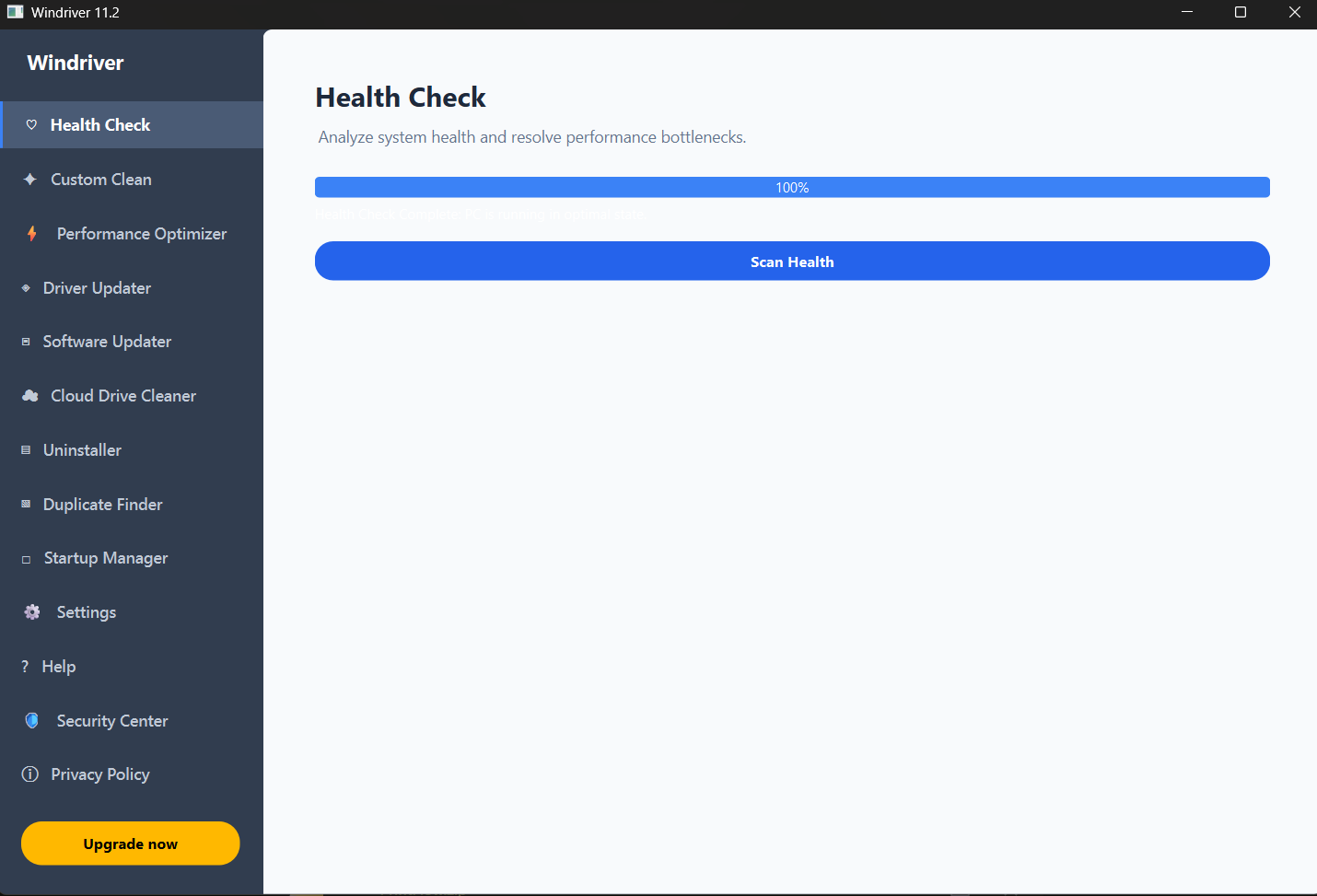
Health Check
Analyzes full system status, flags critical bottleneck issues, and provides guided resolution paths to maintain ideal performance.
Custom Clean
Identifies and safely clears temporary cache files, tracking cookies, and non-essential system data to free local drive capacity.
Performance Optimizer
Regulates background activities and active RAM distribution to maximize system efficiency for resource-heavy software applications.
Getting Started
Begin using Windriver 11 in just a few simple steps.
Download
Install Windriver 11 on your Windows computer.
Scan
Run printer diagnostics and compatibility analysis.
Review
Explore system reports and device insights.
Activate
Enter your license key to unlock your plan.
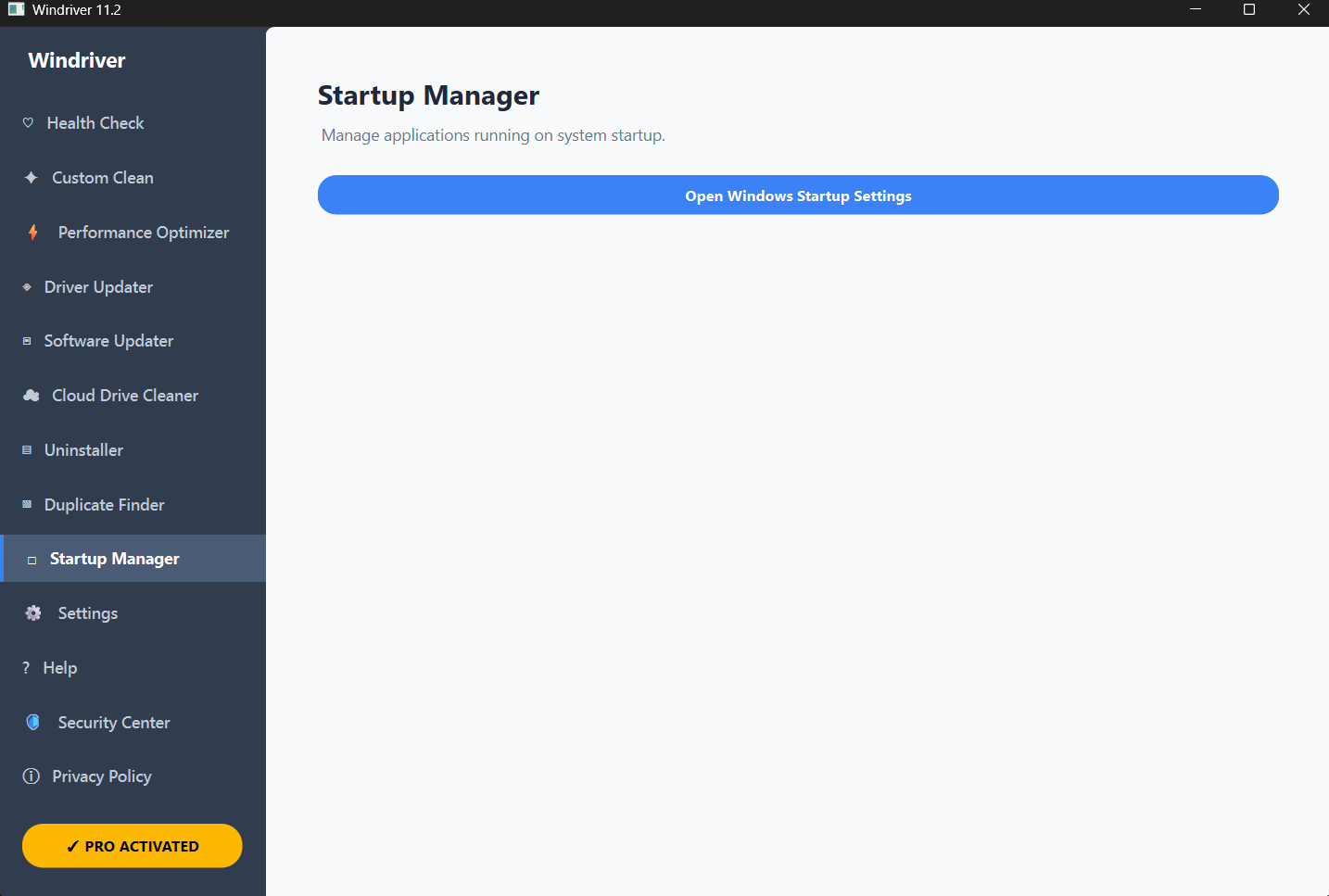
Software Dashboard
A clean interface provides access to diagnostics, compatibility information, licensing status, and structured system insights.