
How It Works
Your software license is delivered digitally, making software activation fast and convenient.
Select a Plan
Choose the subscription plan that best matches the number of devices and license duration you require.
Complete Purchase
After a successful purchase, your software license is generated according to your selected plan.
Receive License
Your activation license key and purchase confirmation are delivered to your email address.
Activate & Explore
Enter your key inside Windriver 11 to activate your subscription and unlock full diagnostic features.
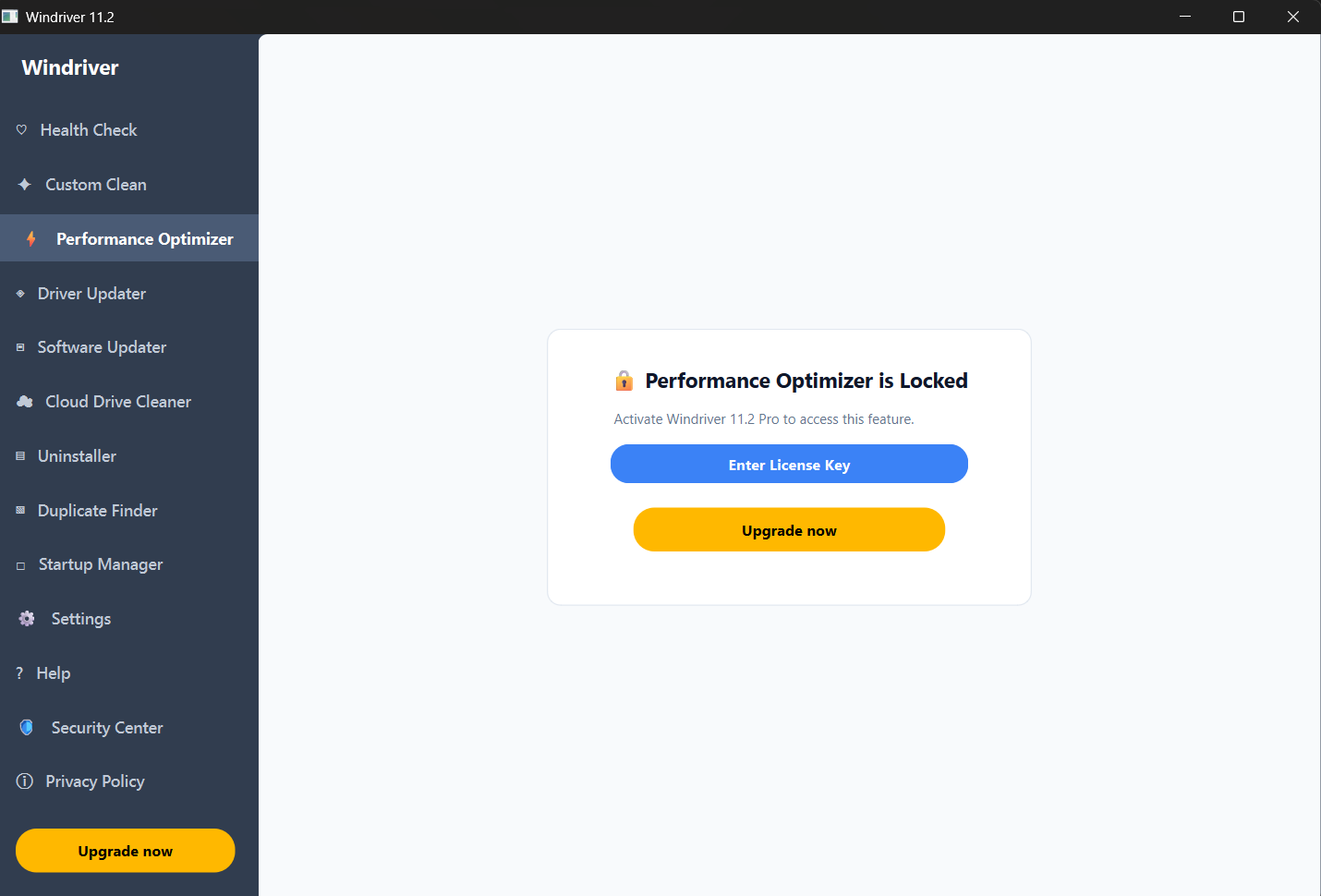
Software Activation Screen
Before purchase, open Windriver 11 to view the License Activation panel.
Activation Timeline
The entire setup process usually takes only a few minutes.
Purchase Confirmation
Once payment is successfully completed, your order is processed and your software license is prepared.
Email Key Delivery
A confirmation email containing your license key and activation details is sent to your address.
Enter License Key
Open Windriver 11, type your key into the activation screen, and click Activate.
Begin Diagnostics
Access full device diagnostics, compatibility reports, and system insights in your plan.
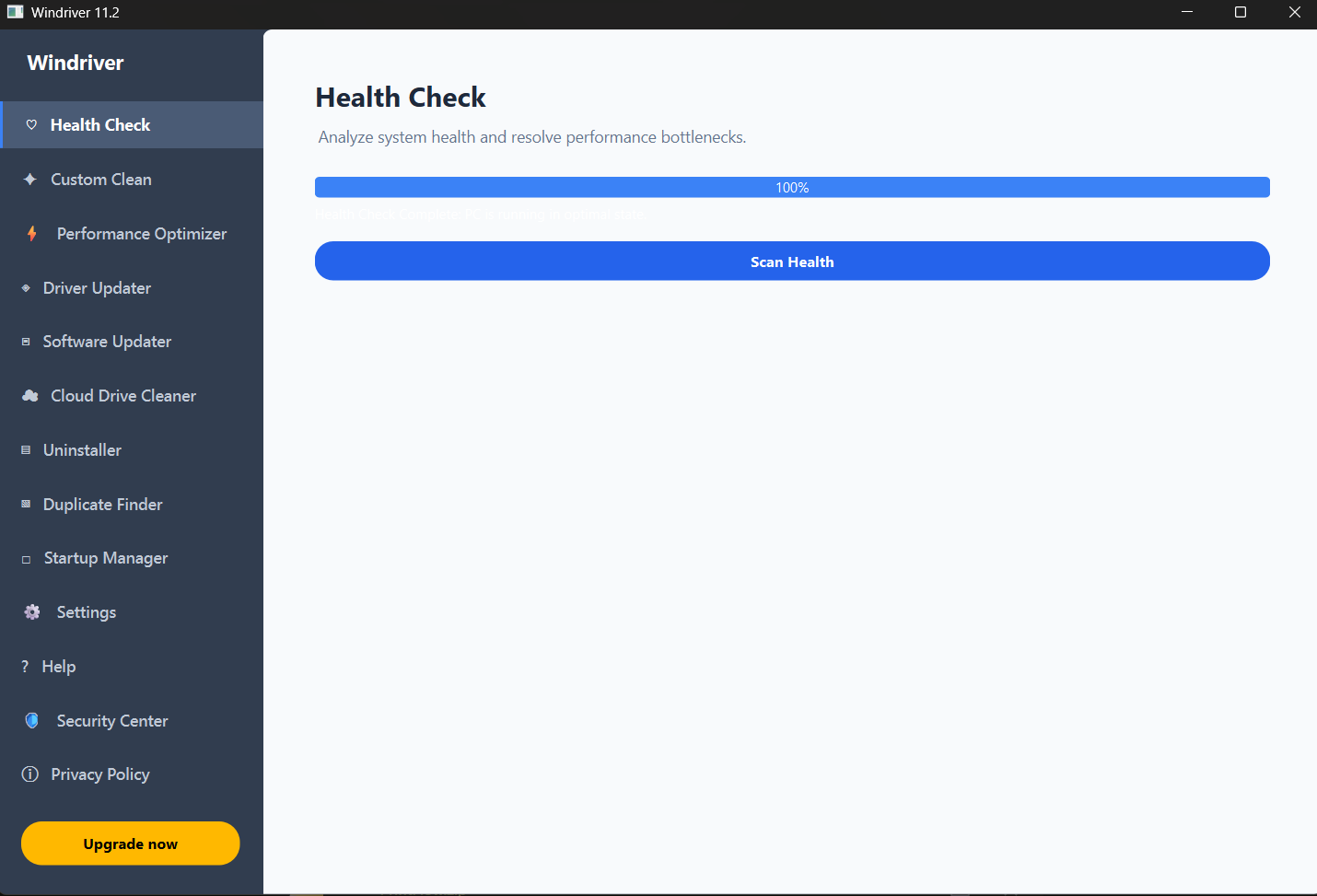
Dashboard & Feature Access
After purchase and successful key activation, explore all diagnostic insights.
Ready to Activate Windriver 11?
Purchase a software license, receive your activation key by email, and begin exploring intelligent diagnostics and system insights.
Download & Get Started