Complete Software & Maintenance Suite
Explore the technical capabilities and integrated features included with Windriver 11
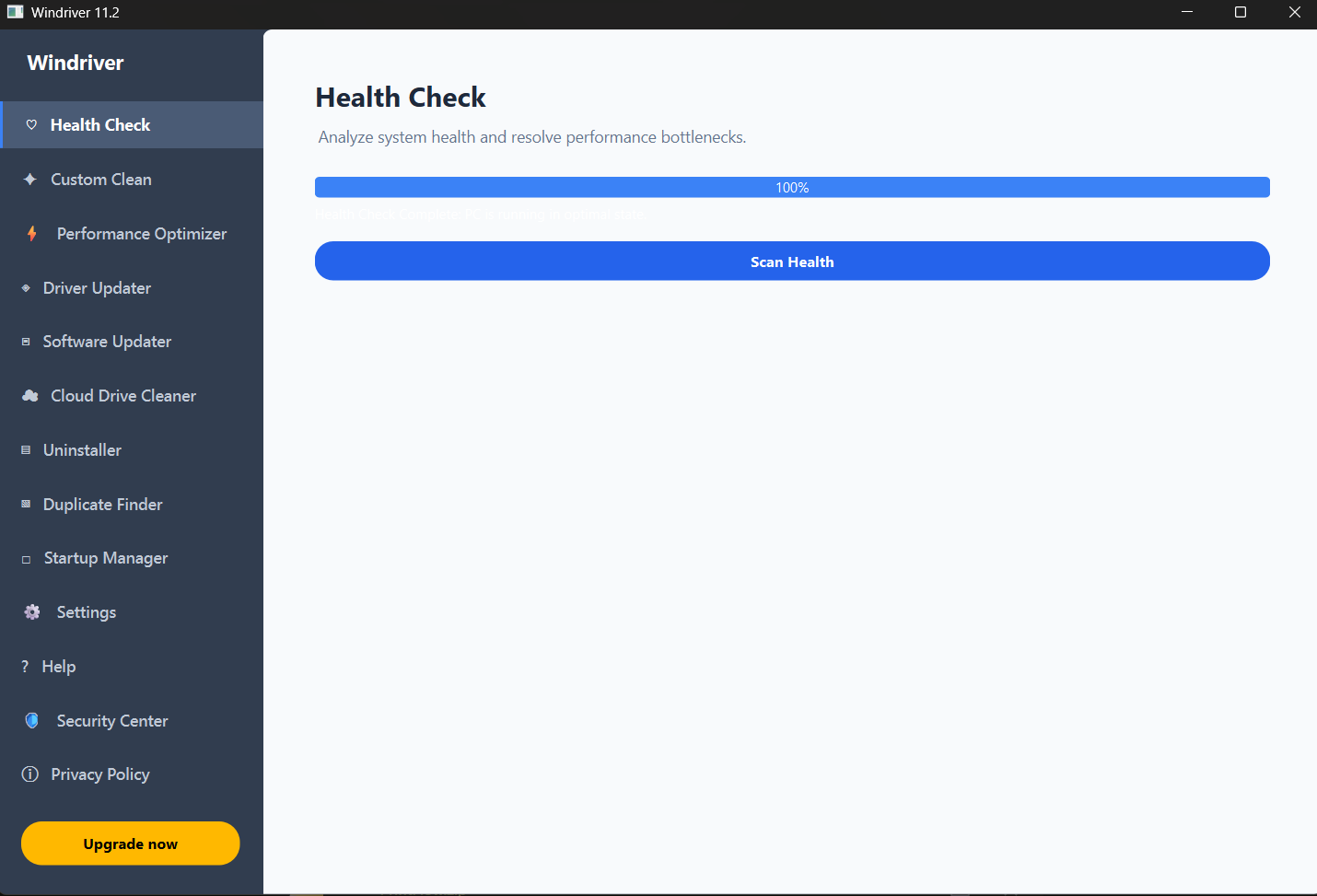
Health Check
Analyzes full system status, flags critical bottleneck issues, and provides guided resolution paths to maintain ideal performance.
Custom Clean
Identifies and safely clears temporary cache files, tracking cookies, and non-essential system data to free local drive capacity.
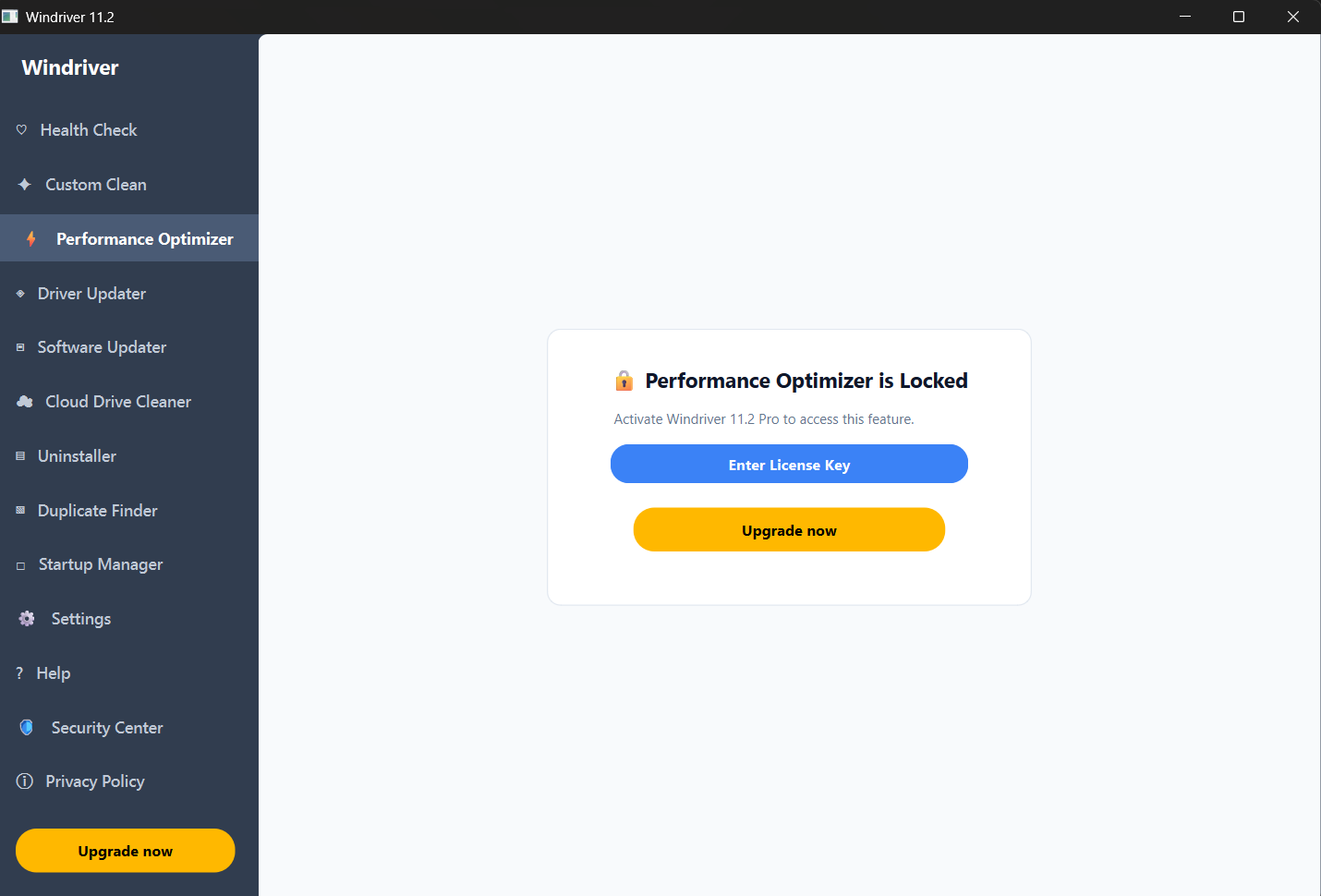
Performance Optimizer
Regulates background activities and active RAM distribution to maximize system efficiency for resource-heavy software applications.
Driver Updater
Scans internal hardware components to identify outdated drivers and installs verified driver packages directly to your PC.
Software Updater
Detects outdated third-party applications and delivers critical security patches and functional feature upgrades automatically.
Cloud Drive Cleaner
Inspects linked cloud directories to detect redundant storage waste, duplicate files, and oversized archives.
Uninstaller Module
Performs deep uninstalls of unwanted programs without leaving orphan files, leftover data, or corrupted registry entries behind.
Duplicate Finder
Locates identical documents, photos, and system files across storage media to recover precious disk space cleanly.
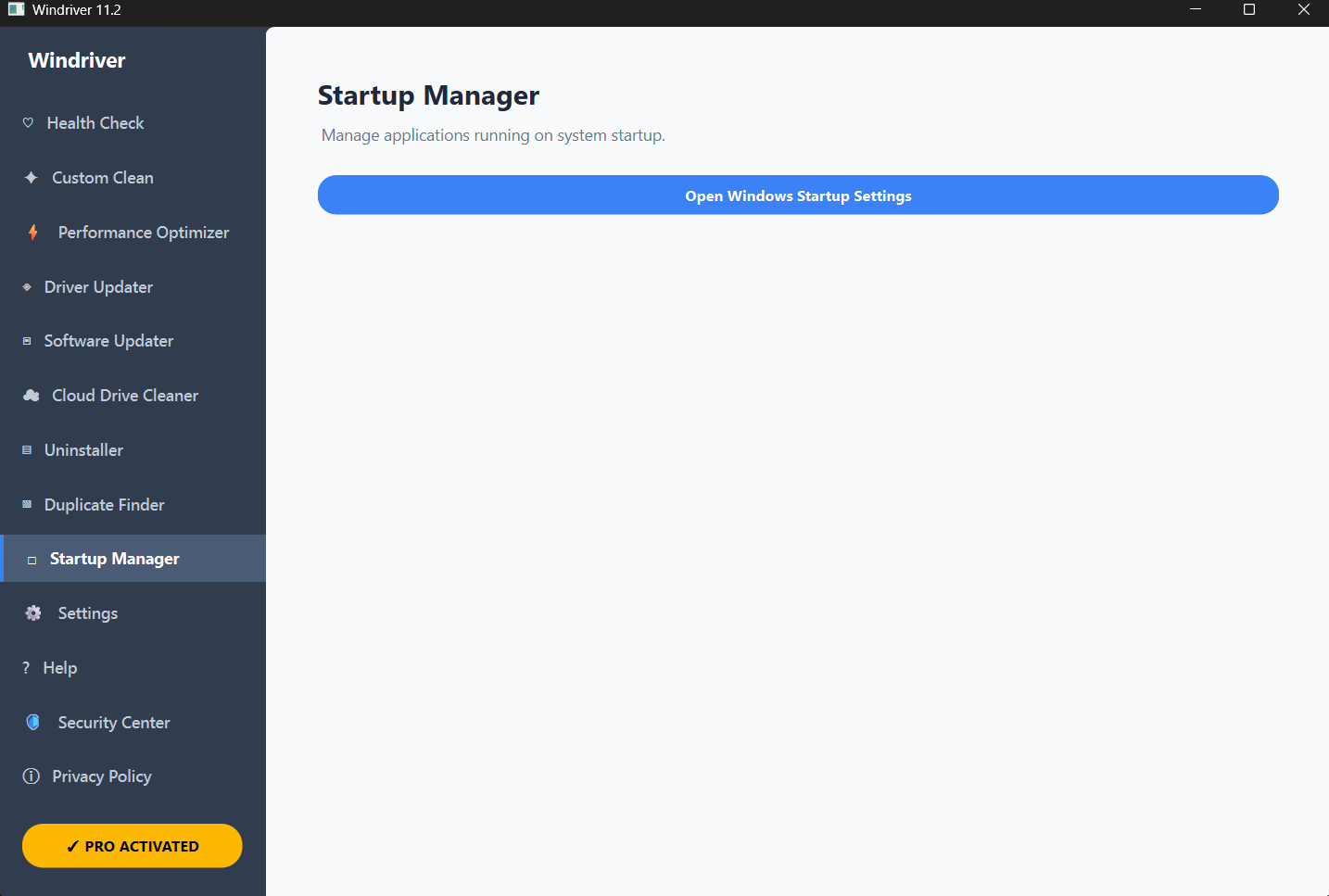
Startup Manager
Manages software boot rules, allowing users to disable sluggish background tasks to significantly speed up boot time.
Security Center
Monitors system security parameters, verifying active protections and ensuring key safety configurations remain enabled.
Custom Settings Control
Offers tailored control options to schedule automated system sweeps, custom cleans, and automated update notifications.
Technical Help Center
Direct assistance and setup guidance for license key activation, driver conflict resolution, and technical support access.
Automated System Health Check
Run full diagnostics across system modules to maintain smooth operational health and prevent system slowdowns.
- ✓ Deep diagnostic scan routines
- ✓ One-click health optimization
- ✓ Instant progress and status indicators
Advanced Performance Optimizer
Unlock pro-tier optimization parameters to ensure critical software gets high priority system resources.
- ✓ Full background application management
- ✓ Professional license activation access
- ✓ Enhanced memory & CPU handling
Windows Startup Management
Direct control over boot startup settings, helping keep computer boot times fast and minimizing startup delays.
- ✓ Direct Windows Startup settings access
- ✓ Optimized startup performance
- ✓ Verified status tracking